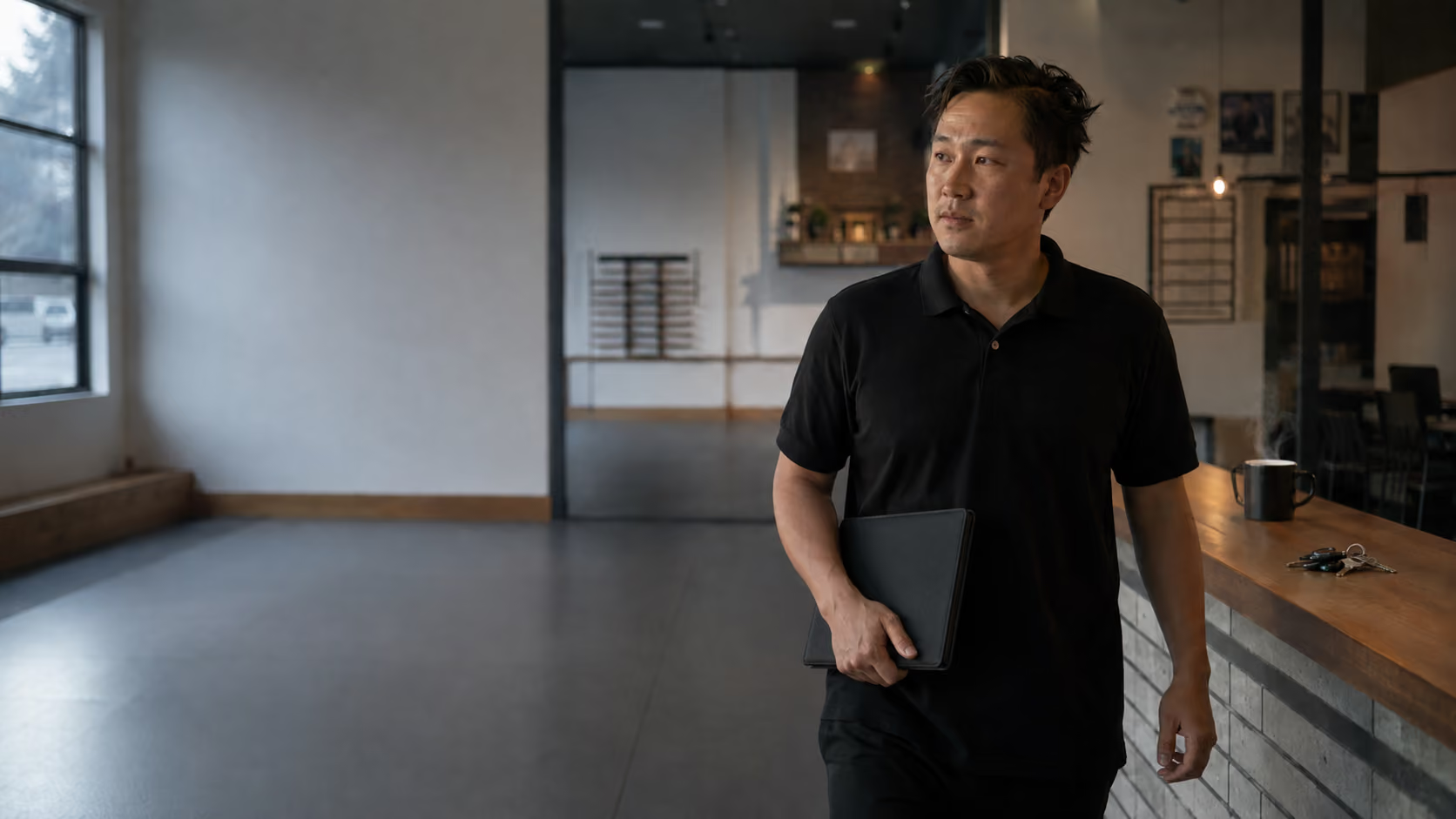
Task management software for studios
MyStudio puts open & close tasks, staff assignments, and daily operations in one place. No separate tools needed.
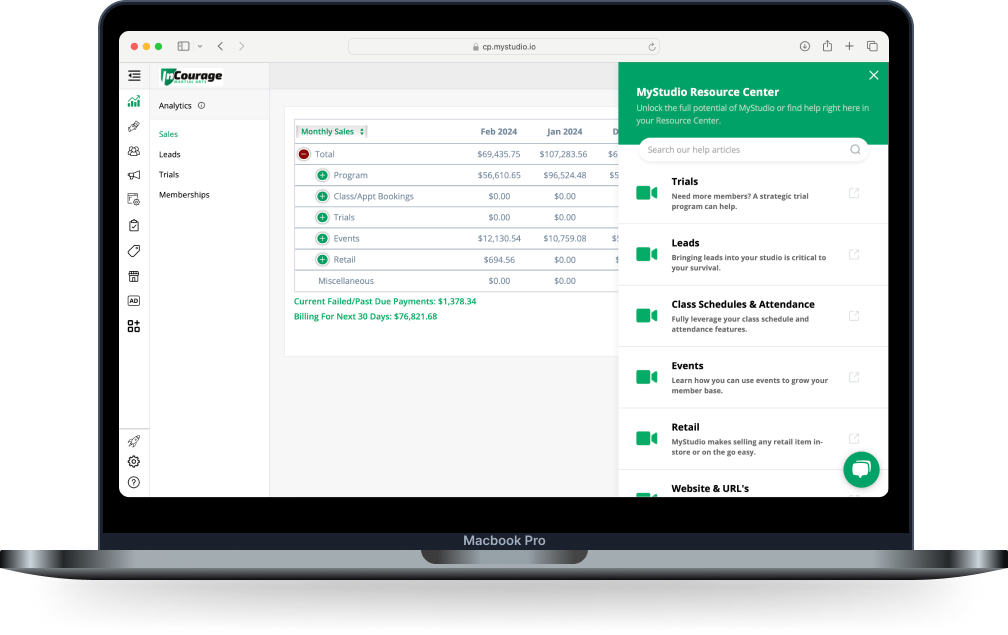
One studio task management software. Everything included.
Most studio owners are juggling too many tools. A separate app for scheduling. Another for staff communication. Another for tasks. MyStudio builds task management into the platform you already use for billing, enrollment, and communication.
Task management built for studio operations
Every feature connects to how your studio actually runs, not how a generic project management tool thinks it should.

Open/close checklists
Build custom open and close checklists so staff know what needs to happen, from unlocking the mat room to logging the head count.
Your studio runs, even when you're not there.

Staff tasks management for studios
Assign tasks to specific team members. Instructors know their responsibilities, front desk staff know theirs.
Accountability built in.
Recurring to-dos
Some tasks happen every day. Every week. Every month. Set them once and MyStudio handles the reminder.
Fewer things forgotten. More time back.

Mobile task management
Check off tasks, assign work, and monitor daily operations from your phone. Never tied to a back-office computer.
Manage your studio from anywhere.

All-in-one platform
Task management lives alongside your billing, enrollment, and communication. One place to look, one less login.
No separate tool. No extra monthly fee.

Customizable workflows for your studio type
Martial arts schools and enrichment programs run differently. Build workflows that match yours: belt testing prep, camp day logistics.
A task system that fits out of the box.
Set up your studio task management software in minutes
Build your task library
Create the recurring tasks and checklists your studio depends on: open/close routines, instructor prep, weekly maintenance. Add them once.
Assign tasks to your team
Attach tasks to specific staff members or roles. Every instructor and front desk team member sees exactly what's on their plate. No text threads, no whiteboard, no guessing.
Set tasks to repeat automatically
Mark any task as recurring: daily, weekly, or monthly. MyStudio queues it up on schedule so nothing drops off the radar during a busy week of classes, camps, or belt testing events.
Manage from your phone
Check progress, mark items complete, or assign a task from the MyStudio app. Your daily operations go with you: the mat, the pickup line, anywhere.
Get back to teaching
Your team knows what to do. You're free to focus on your students. Less time managing, more time building the school you're proud of.
Your studio task management software questions, answered
Real questions from martial arts schools and enrichment programs about managing daily operations with MyStudio.
Does MyStudio replace my current task management app?
Yes. Most studio owners are using a separate app (or a group text thread) to manage daily tasks. MyStudio includes task management built directly into the platform you already use for billing, enrollment, and student communication. No extra subscription. No extra login. Your team works from one system, and you stop paying for tools that don't talk to each other.
Can I create different task lists for different staff roles?
Yes. You can assign tasks to specific team members or roles (instructors, front desk, managers) so everyone has a clear view of their responsibilities. No more confusion about who's handling what before a class or at the end of the day. Tasks are organized by person, not dumped into a shared list everyone has to sort through.
Can I set tasks to repeat automatically?
Yes. Mark any task as recurring — daily or weekly — and choose whether it repeats indefinitely, ends on a specific date, or stops after a set number of occurrences. Open/close checklists, instructor prep, weekly maintenance — set it once and MyStudio keeps it running without anyone having to remember it.
Can I manage studio tasks from my phone?
Yes. MyStudio's mobile app gives you full access to your task management tools from anywhere. Assign tasks, check progress, and mark items complete from your phone whether you're on the mat, off-site, or finally taking that day off. You don't have to be at a desk to keep your studio running smoothly.
What is the best task management solution for studios and activity based studios?
MyStudio was built by studio owners, specifically for martial arts, dance, gymnastics and other activity-based studios. You'll find everything you need, including open/close checklists, staff assignments, and daily operations in one place. No separate tools needed.
Daily operations tools custom built for studios like yours
Your team deserves clarity. Your students deserve your full attention. MyStudio makes both possible without adding another tool to your plate.